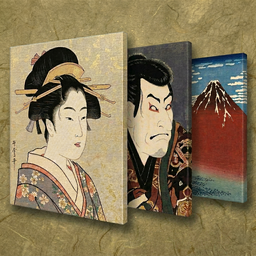
日本の名画
スライドショー
JAPANESE MASTERPIECES
by VALUES
46 masters. 831 works of art. Your private gallery, in the palm of your hand.
iPhone & iPad App
View on App Store
SCROLL
JAPANESE MASTERPIECES
by VALUES
46 masters. 831 works of art. Your private gallery, in the palm of your hand.
iPhone & iPad App
View on App StoreConcept
Bring Japanese masterpieces
into your everyday life.
Hokusai's The Great Wave, Hiroshige's Fifty-three Stations of the Tōkaidō,
Sesshū's landscape paintings, Jakuchū's Colorful Realm of Living Beings —
831 works by 46 masters of Japanese art history, all stored inside the app.
No ads, no subscriptions. A quiet, beautiful experience for true appreciation.
Turn your iPad into an art frame. Carry a museum in your pocket.
Let Japanese masterpieces become a part of your daily life.
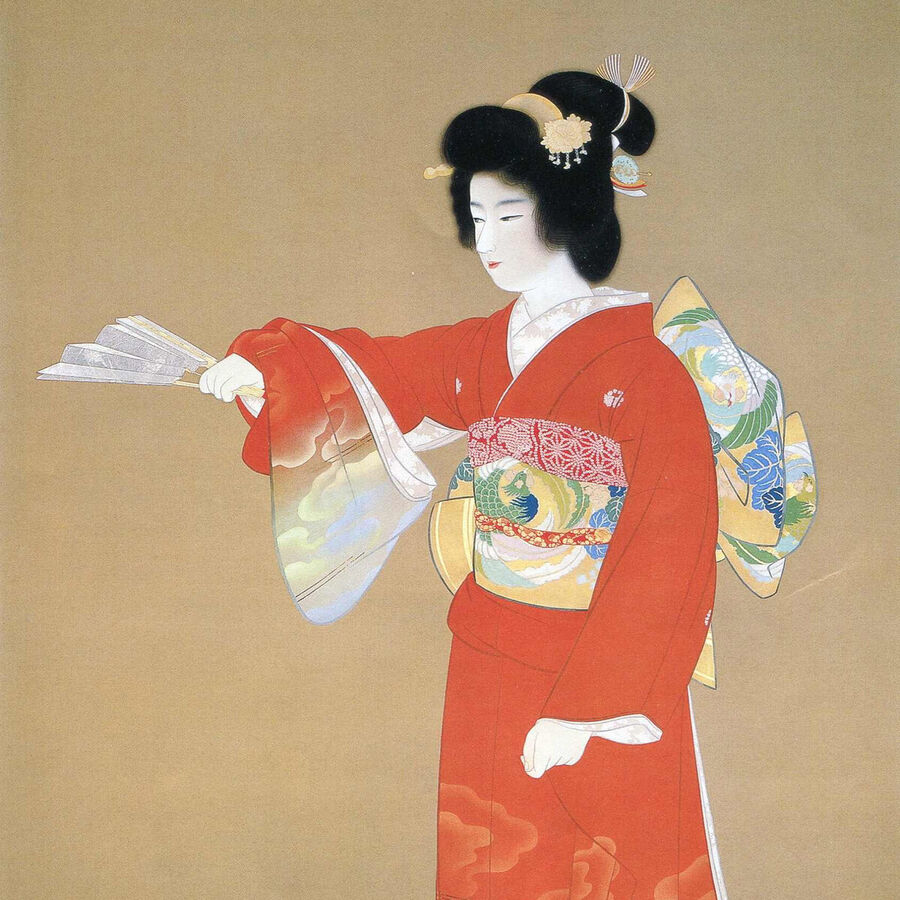
序の舞 (Jo no Mai) / 上村松園 (Uemura Shoen)
App
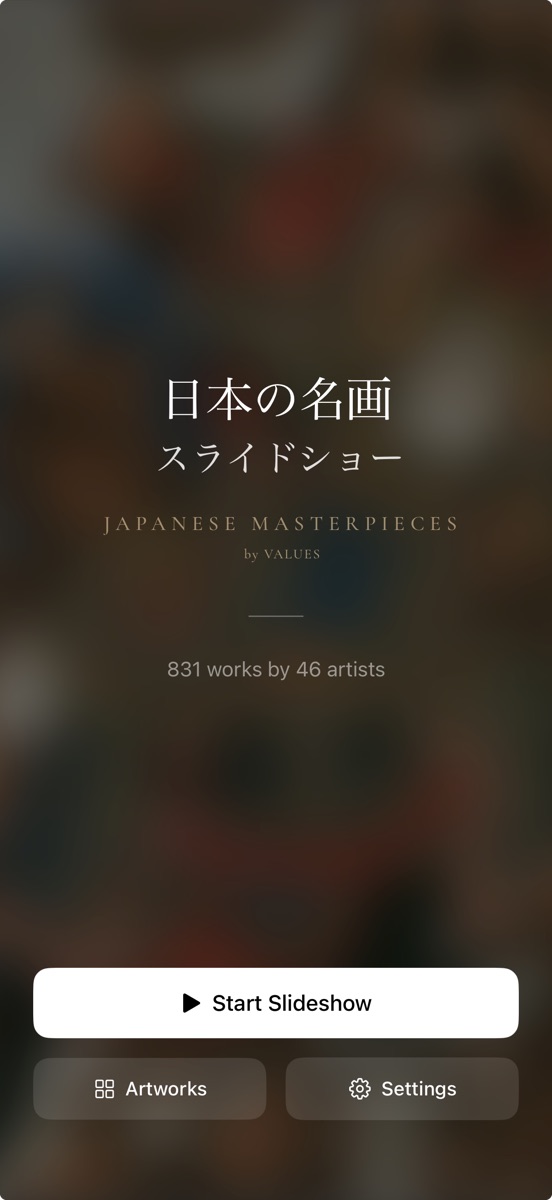
Home
The first screen you see on launch. "Start Slideshow" plays all 831 works automatically, "Artwork List" lets you browse by each of the 46 artists, and "Settings" lets you customize the display to your liking.
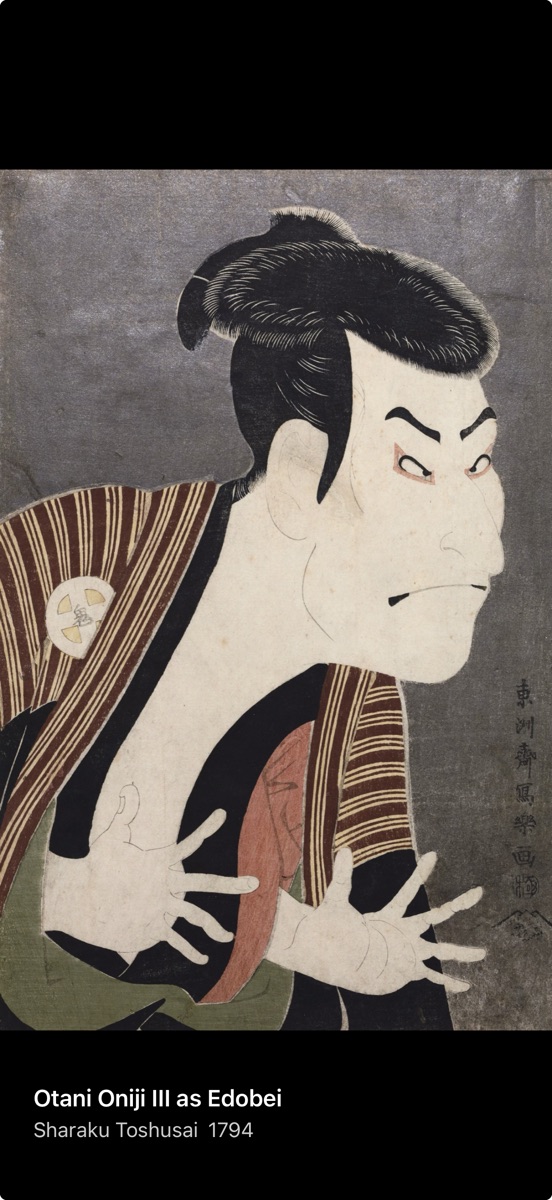
Slideshow
Works change automatically at your chosen interval (3 seconds to 60 minutes). Tap or swipe left/right to navigate manually, tap center to pause. Freely customize background color and info display. Shuffle playback supported. Keep the screen always on to use your iPhone or iPad as a living art frame.
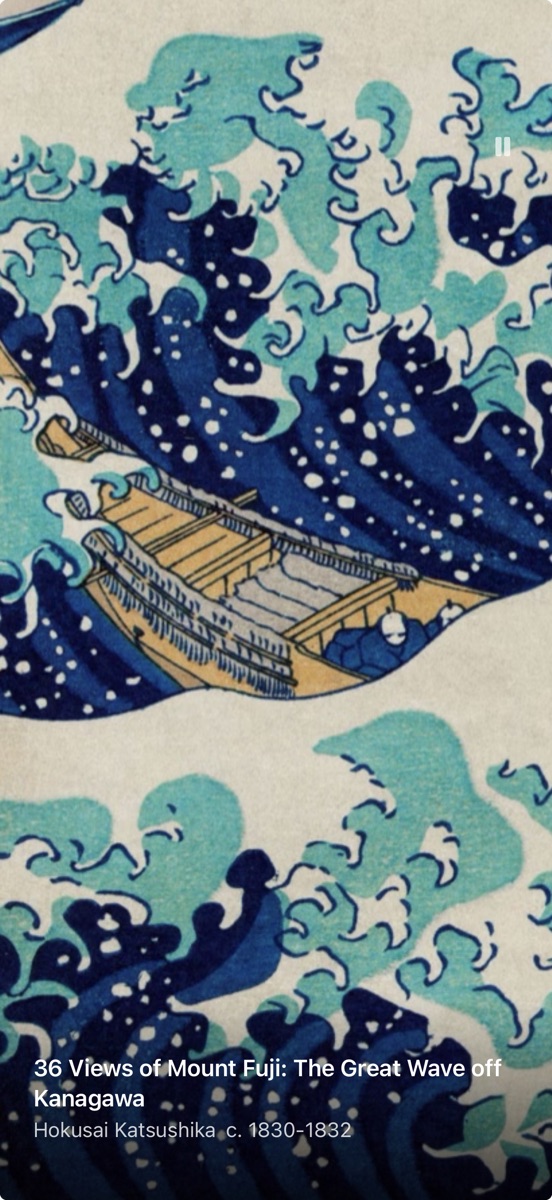
Zoom
Pinch to zoom up to 5×. Explore brushstrokes, layered pigments, and subtle color gradations — details you simply can't experience through museum glass.
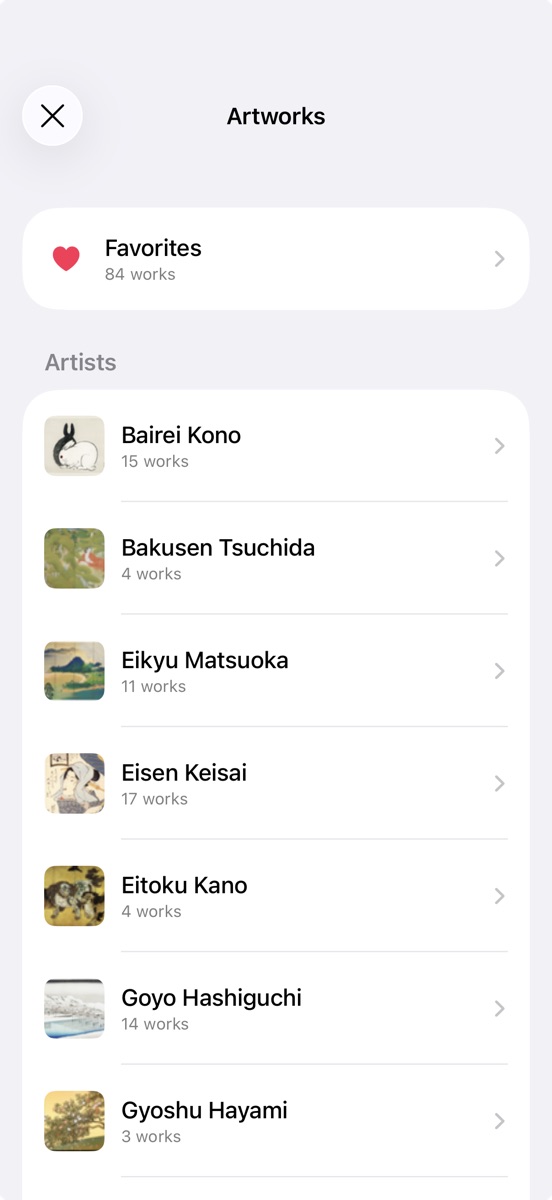
Artwork List
All 46 artists listed at a glance. Tap any artist to browse their works. The "Favorites" section at the top gives you instant access to your personal collection.
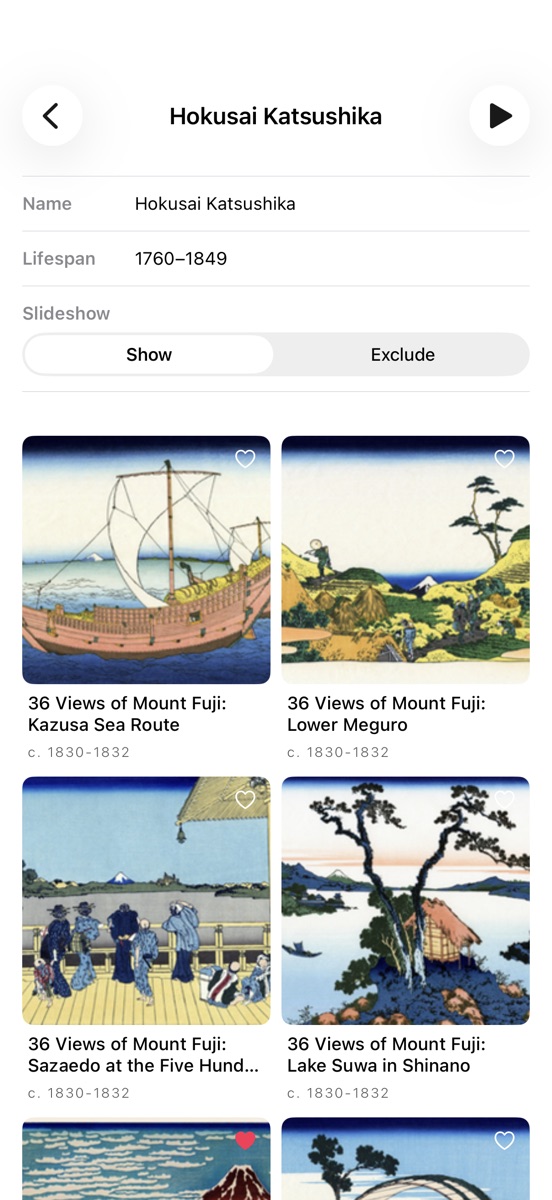
Artist Page
Browse all works by your selected artist in a grid. Tap for details, add to favorites with one tap. The play button in the upper right starts a slideshow of just that artist's works.
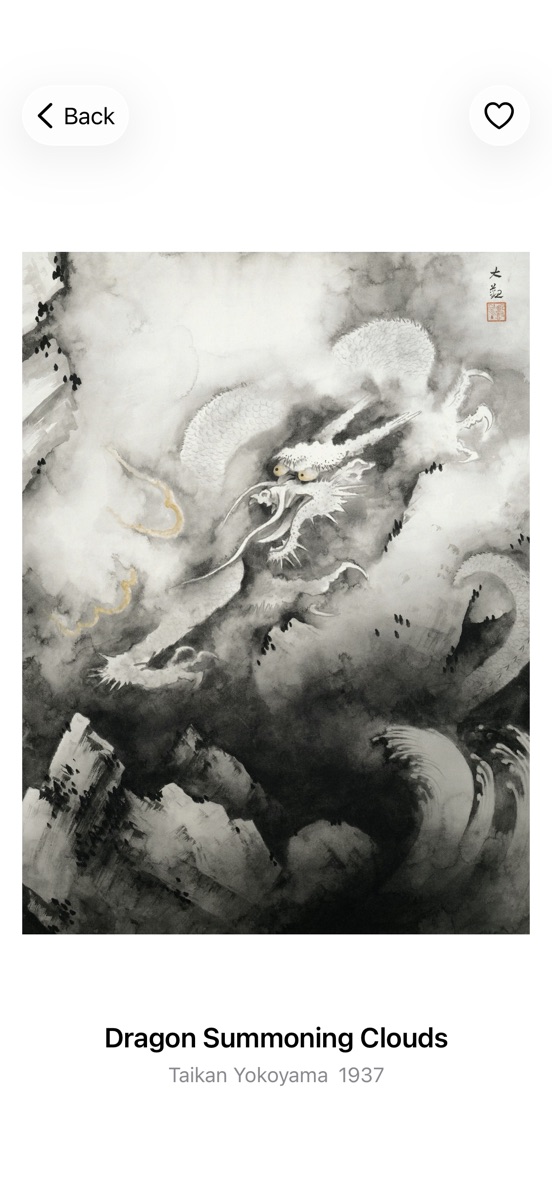
Artwork Page
Swipe left or right to smoothly navigate between works and browse continuously. Pinch to zoom for a closer look at any piece that catches your eye.
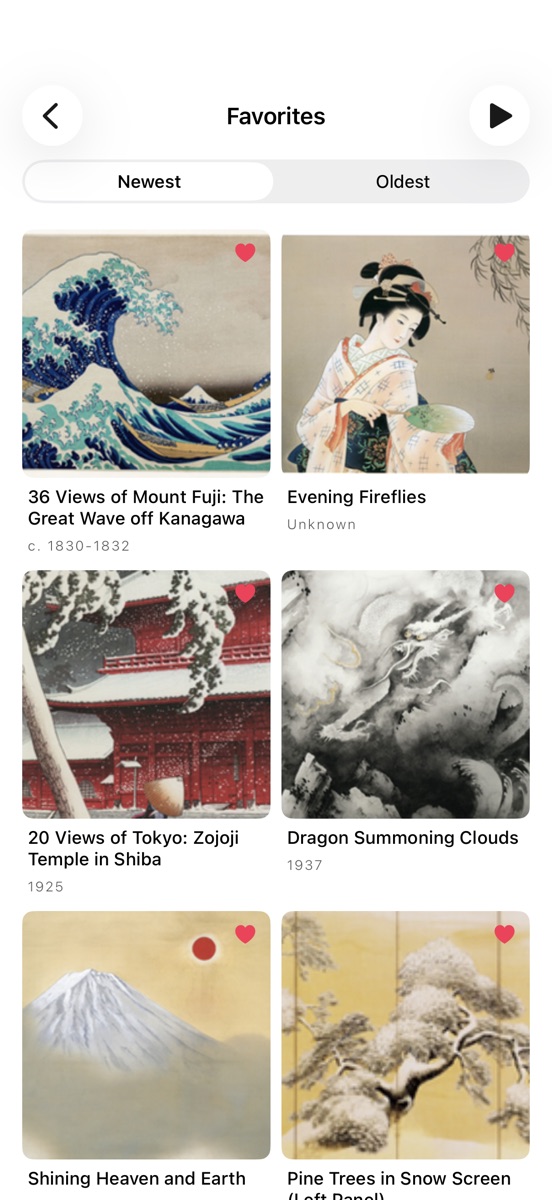
Favorites
Save any work to your collection with a single tap. Build your own personal museum and enjoy a custom slideshow.
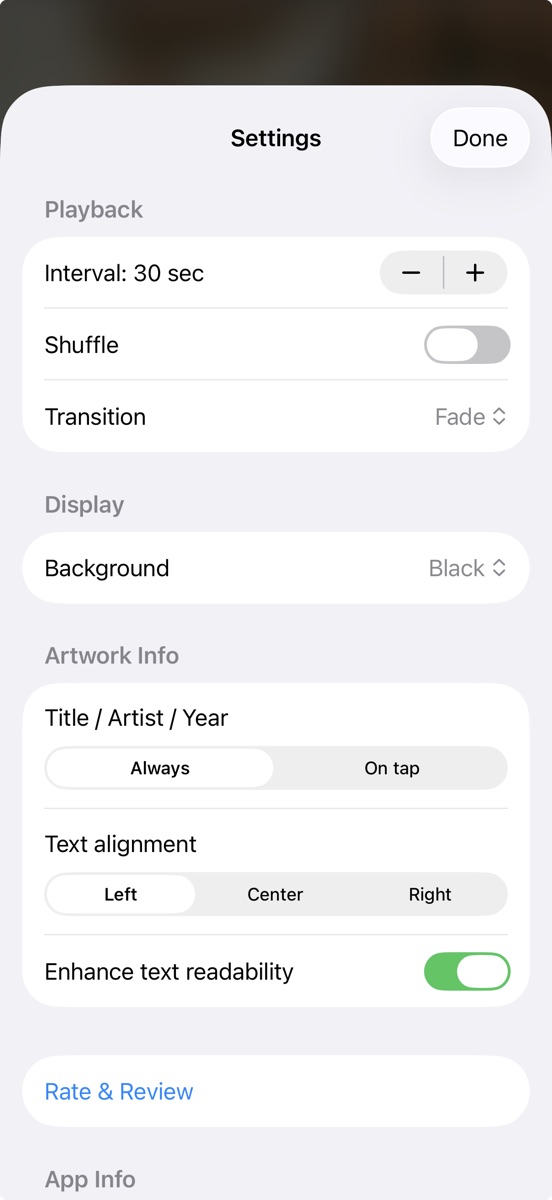
Settings
Fine-tune your slideshow experience. Adjust transition interval (3 sec–60 min), shuffle, transition effects (6 types), background color (3 options), and info display position and timing. All settings are saved when you close the app.
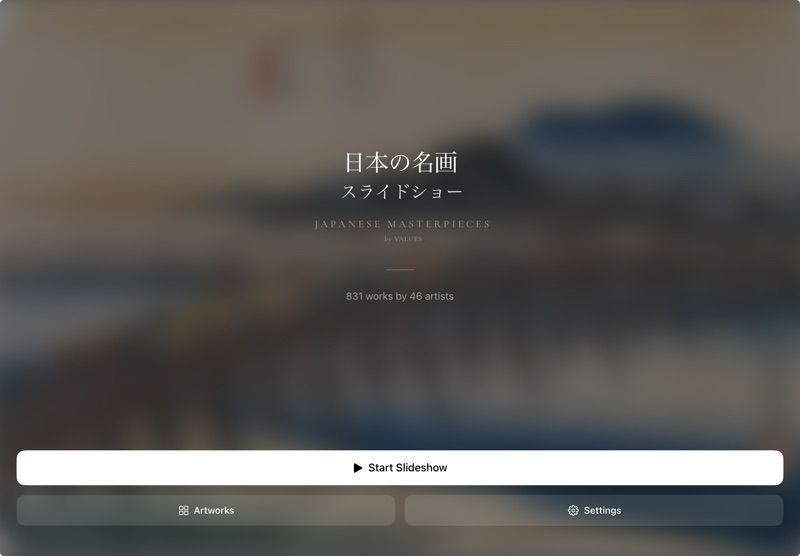
Home
The first screen you see on launch. "Start Slideshow" plays all 831 works automatically, "Artwork List" lets you browse by each of the 46 artists, and "Settings" lets you customize the display to your liking.
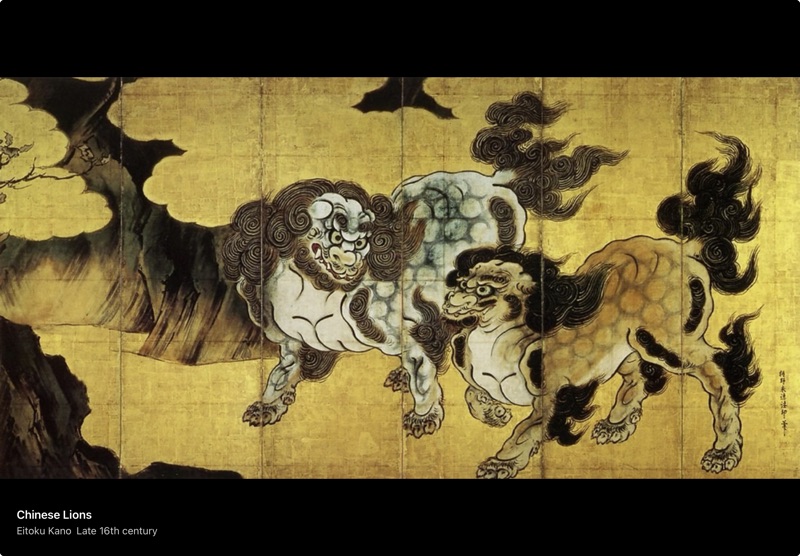
Slideshow
Works change automatically at your chosen interval (3 seconds to 60 minutes). Tap or swipe left/right to navigate manually, tap center to pause. Freely customize background and info display, with shuffle playback support. Keep the screen always on to use your iPad as a stunning art frame.

Zoom
Pinch to zoom up to 5× and explore every detail. Brushstrokes, layered pigments, subtle gradations of color — details no museum glass can reveal.
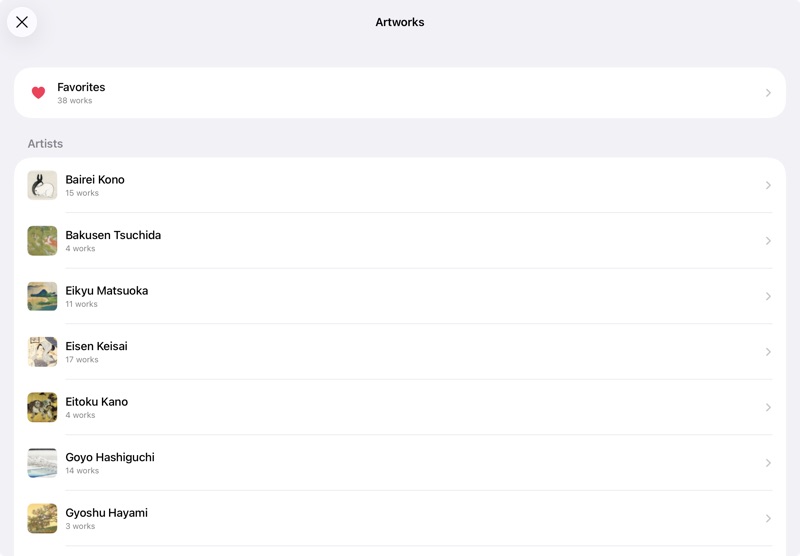
Artwork List
All 46 artists listed at a glance. Tap any artist to browse their works. The "Favorites" section at the top gives you instant access to your personal collection.
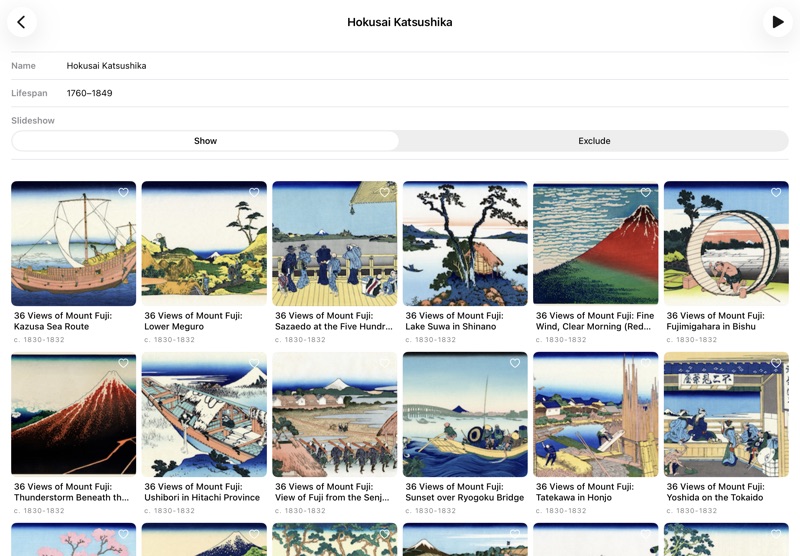
Artist Page
Browse all works by your selected artist. Tap for details, add to favorites with one tap. The play button starts a slideshow of just that artist's works.
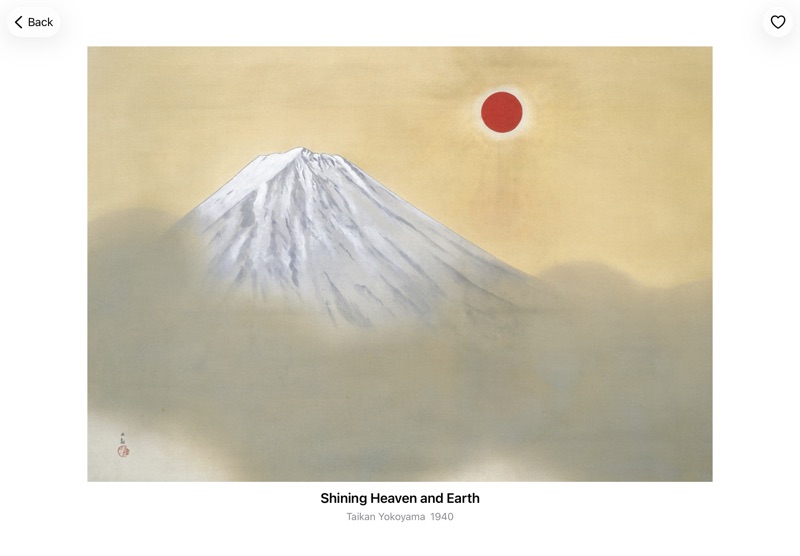
Artwork Page
Swipe left or right to smoothly navigate between works. Pinch to zoom in for a closer look at any work that catches your eye.
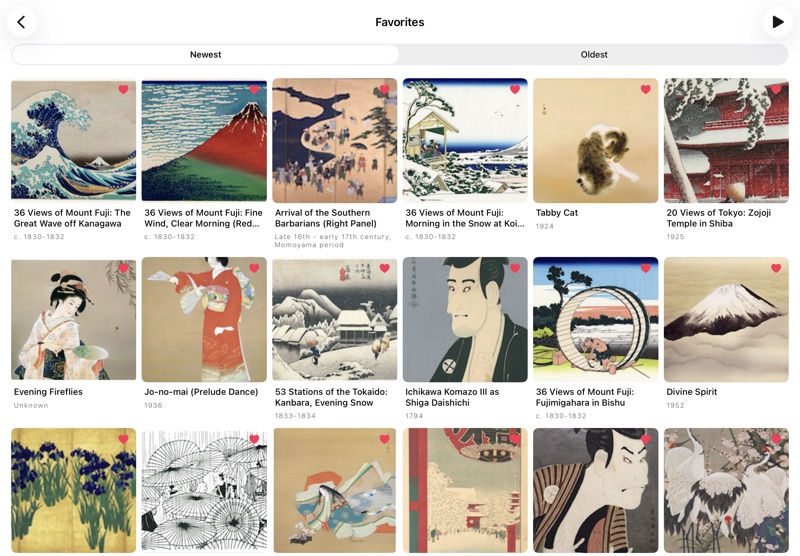
Favorites
Save any work to your collection with a single tap. Build your own personal museum and enjoy a custom slideshow.
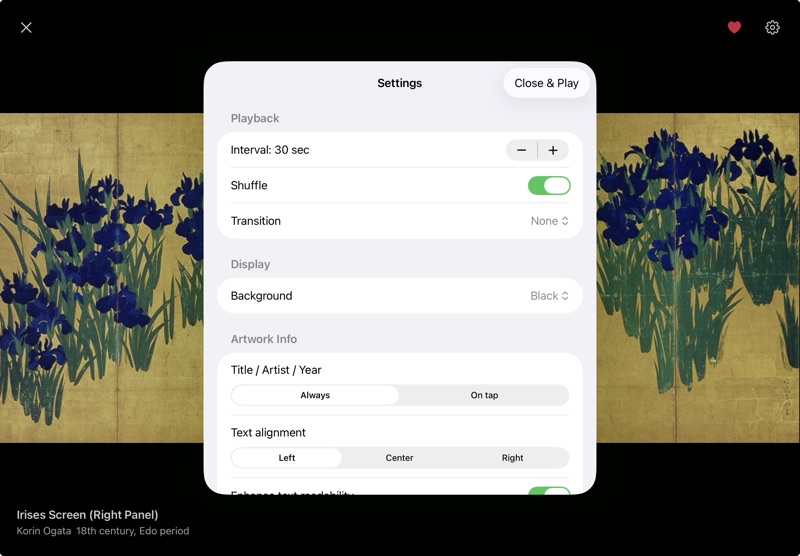
Settings
Fine-tune your slideshow experience. Adjust transition interval (3 sec–60 min), shuffle, transition effects (6 types), background color (3 options), and info display position and timing. All settings are saved when you close the app.
Collection
From the Muromachi period to the modern era — the great works of Japanese art history.
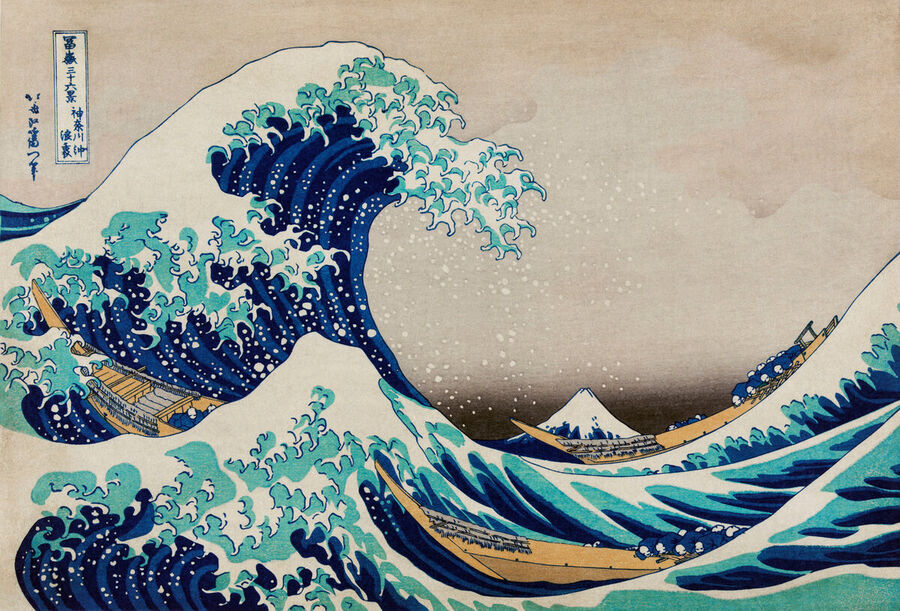
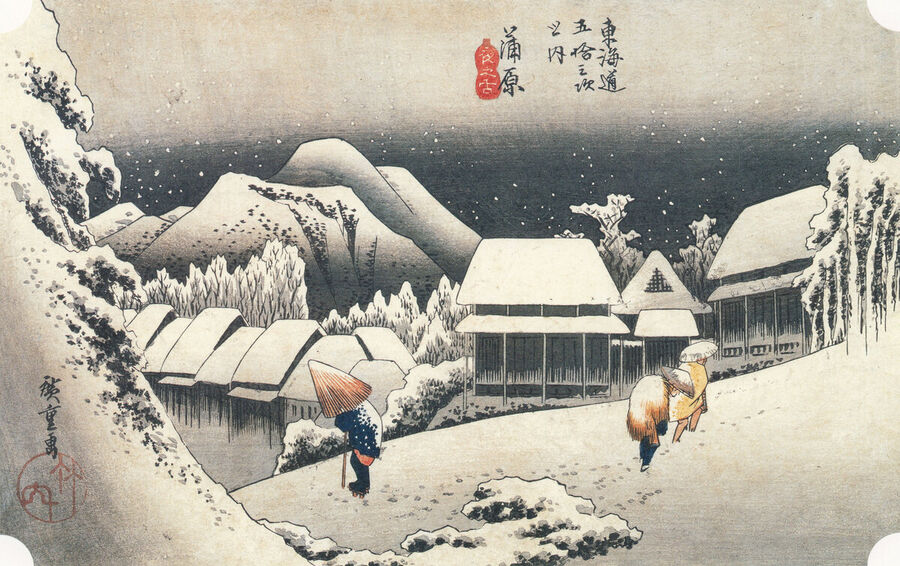
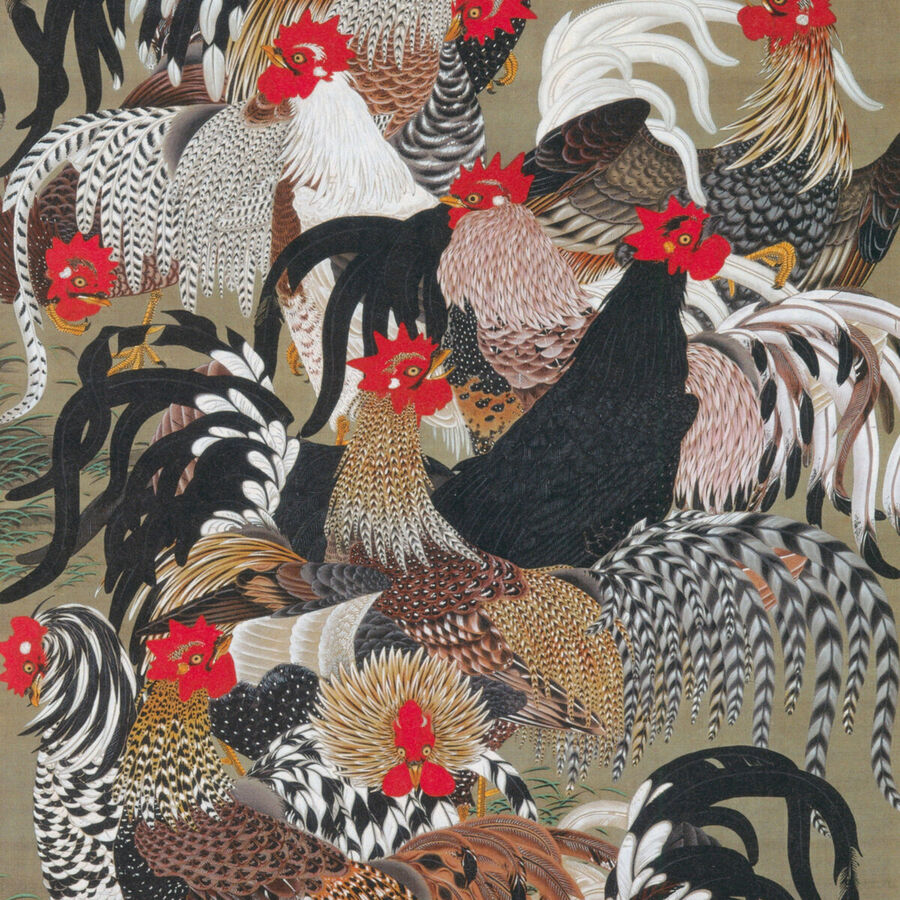
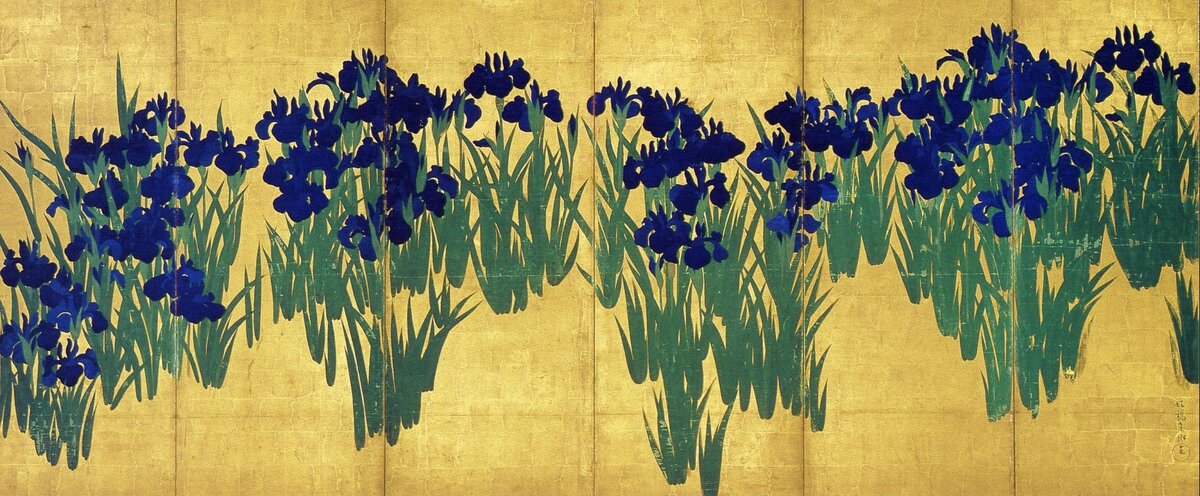
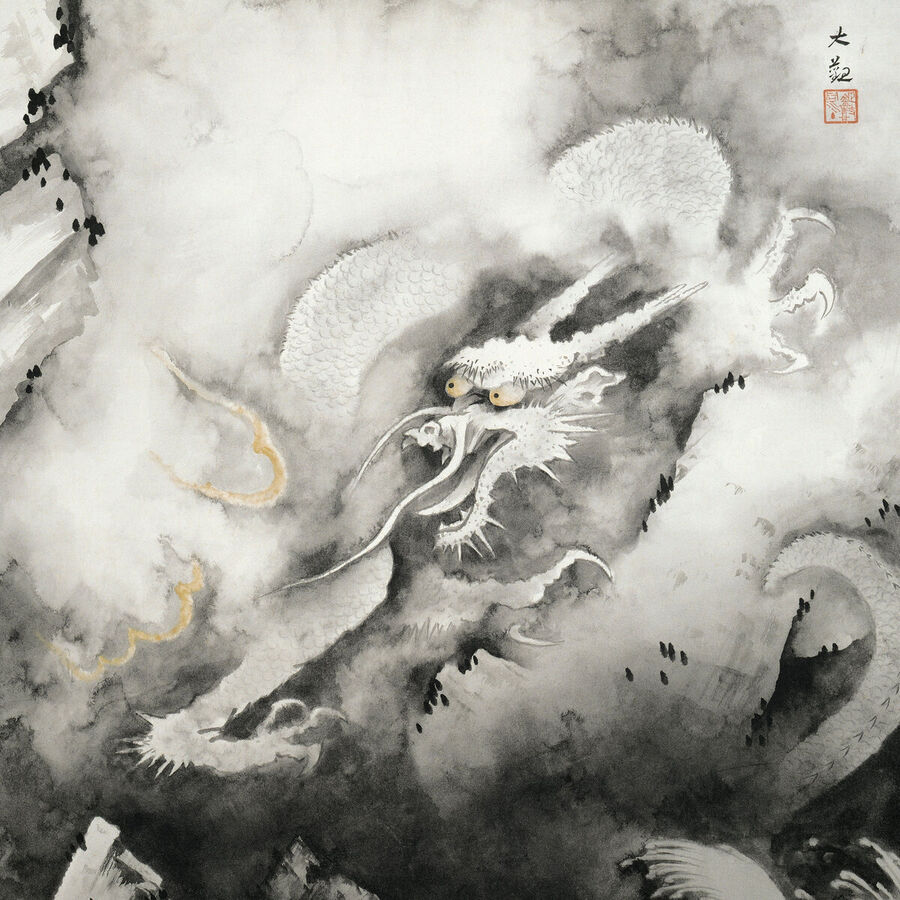
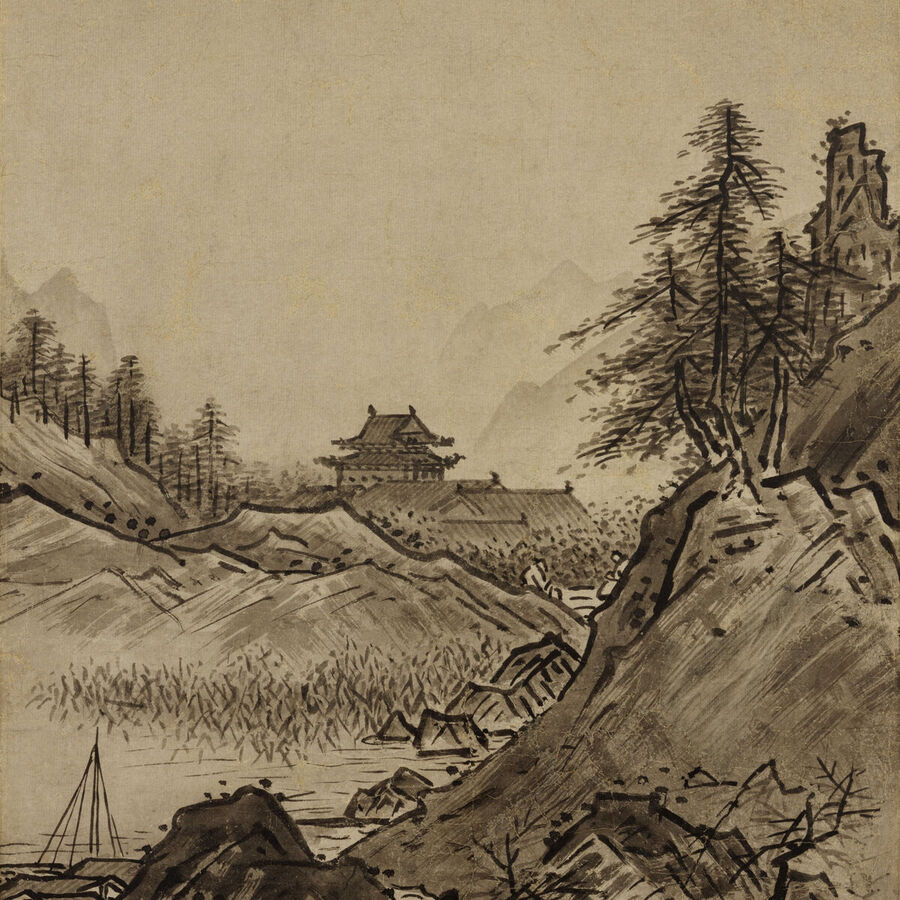

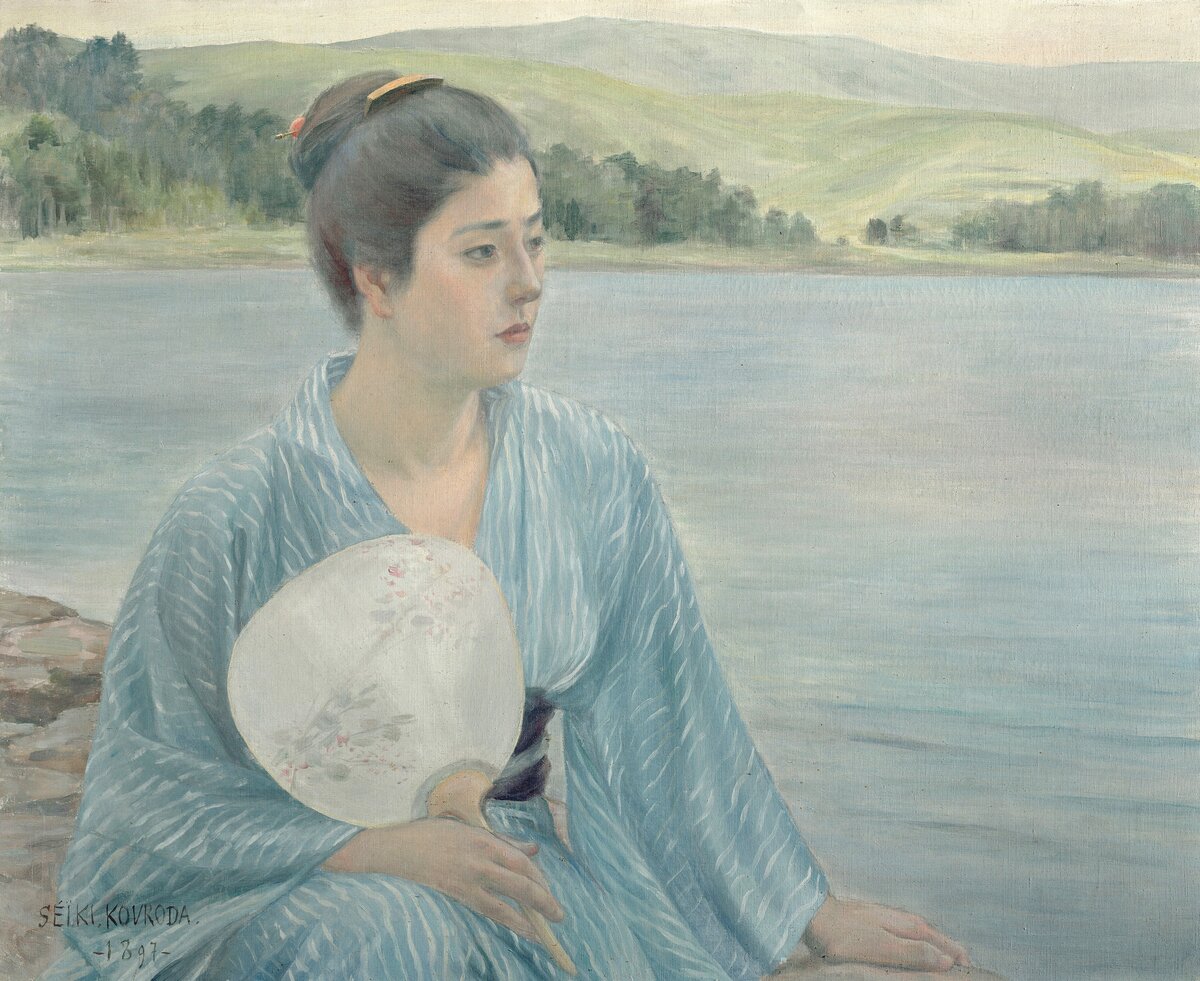
Artists included (tap to see works)
Scenes
Simply place your iPad on a stand and start the slideshow. Your living room or study transforms into a gallery-like space. With always-on display, your iPad becomes a frame that never stops showing great art.
Fully offline — works perfectly on planes or in the subway. Morning coffee, a quiet commute — fill the small pauses in your day with beautiful, unhurried appreciation.
As you watch, you'll start to notice — "That's a Hokusai." After six months, you'll naturally recognize masterpieces. Appreciation builds itself, one slideshow at a time.
Hotel lobbies, salon treatment rooms, café counters. No ads ever appear, making it perfect for spaces visible to your guests. A one-time purchase alternative to monthly digital signage subscriptions.
FAQ
A. No. This app is a one-time purchase of ¥3,480 (tax included). There are no monthly charges or subscriptions of any kind. One purchase gives you permanent access to all features and all 831 artworks.
A. No. There are no additional charges, paid upgrades, in-app purchases, or ads of any kind. After purchase, the app is completely free to use forever.
A. Yes. A single purchase gives you access on both iPhone and iPad (Universal Purchase). You can install it on all compatible devices sharing the same Apple ID.
A. iOS 17.6 or later is required. You can check your version in the Settings app → General → About.
A. Yes. All 831 artwork images are stored inside the app, so you can view them anytime, anywhere — no internet connection needed. Works perfectly without Wi-Fi.
A. Yes. During the slideshow, the screen's auto-sleep is disabled. Place your iPad on a stand with the slideshow running, and it becomes a beautiful art frame for your room.
A. Yes. In the Artwork List, select an artist and tap the play button in the upper right to start a slideshow of only that artist's works. You can also run a slideshow of your Favorites only.
A. Yes. In the Artwork List, select an artist and switch their slideshow setting to "Exclude" on the artist page. That artist's works will no longer appear in the home slideshow. Excluded artists' works will still appear in your Favorites slideshow if favorited, and you can still start a slideshow from their artist page. You can restore them to "Show" at any time.
A. Yes. The app supports both English and Japanese, and you can switch languages at any time from Settings. Switch to Japanese mode to see artwork titles and artist names in their original Japanese — perfect for learning the proper names as you deepen your appreciation of Japanese art.
A. Approximately 438 MB. We recommend downloading over Wi-Fi.
Guide
| Start Slideshow | Play all artworks (or based on Favorites / shuffle settings) as a slideshow |
|---|---|
| Artwork List | Browse works by artist in a grid view, view details, start an artist slideshow |
| Settings | Change playback method, display style, and other preferences |
| Auto-play & Loop | Works change automatically at your set interval and loop back to the start |
|---|---|
| Manual Navigation | Tap or swipe left/right to move to the previous or next work |
| Pause & Resume | Tap the center to pause/resume and show the control panel |
| Shuffle | Works play in a random order |
| Transition Effects | Choose from 6 effects: None / Fade / Cross / Blur / Zoom / Slide |
| Display Interval | Adjustable from 3 seconds to 60 minutes (default: 30 seconds) |
| Background Color | Choose from Black, Dark Gray, or White |
| Always-on Display | Disables screen auto-sleep for continuous display |
| Pinch to Zoom | Spread two fingers to zoom up to 5× and explore fine details |
|---|---|
| Pan While Zoomed | Drag the zoomed image in any direction to see any part of it |
| Reset Zoom | Tap while zoomed to return to original size |
| Navigate in Detail View | Swipe left/right on the artwork detail screen to move between works |
| Add to Favorites | Add from the slideshow, grid, or detail screen with a single tap |
|---|---|
| Favorites List | Saved works appear together at the top of the Artwork List |
| Sort Order | Choose between "Recently Added" or "Date Added" order |
| Favorites Slideshow | Play a slideshow of only your saved works |
| Collection | All 831 works by 46 masters, fully included |
| Transition Interval | Choose from 3 sec, 5–55 sec (5-sec steps), 1, 3, 5–60 min (5-min steps) |
|---|---|
| Shuffle | Toggle ON/OFF, default OFF |
| Transition Effect | Choose from 6 effects, default is "Fade" |
| Background Color | Choose from 3 colors, default is "Black" |
| Info Display Timing | Always show, or show on tap only; default is "Always" |
| Info Display Position | Left / Center / Right; default is "Left" |
| Show Artist Reading | Toggle ON/OFF to show/hide Japanese reading of artist names; default OFF |
| Text Legibility | Toggle ON/OFF to improve text readability; default ON |
| Language | Switch between English and Japanese (Settings → Language) |
| Settings Persistence | All settings are saved when the app is closed |
| Artist List | All 46 artists listed; tap to browse their works |
|---|---|
| Work Grid | All works by the selected artist shown in a grid |
| Artist Slideshow | Start a slideshow of only that artist's works |
| Detail View Access | Tap any work in the grid to open its detail view |
| Favorites per Artist | Add to Favorites directly from the artist view |
| Exclude from Slideshow | Set specific artists to be excluded from the home slideshow; an icon marks excluded artists |
Price
One-time purchase — no additional charges, ever